Relevant content
Organize the library with categories, groups and tags for the audiences you need to reach.
The learning platform

Mosaik brings your content and learners together in a space that is easy to explore and straightforward to manage. A ready-to-use way to deliver your training.
Explore the features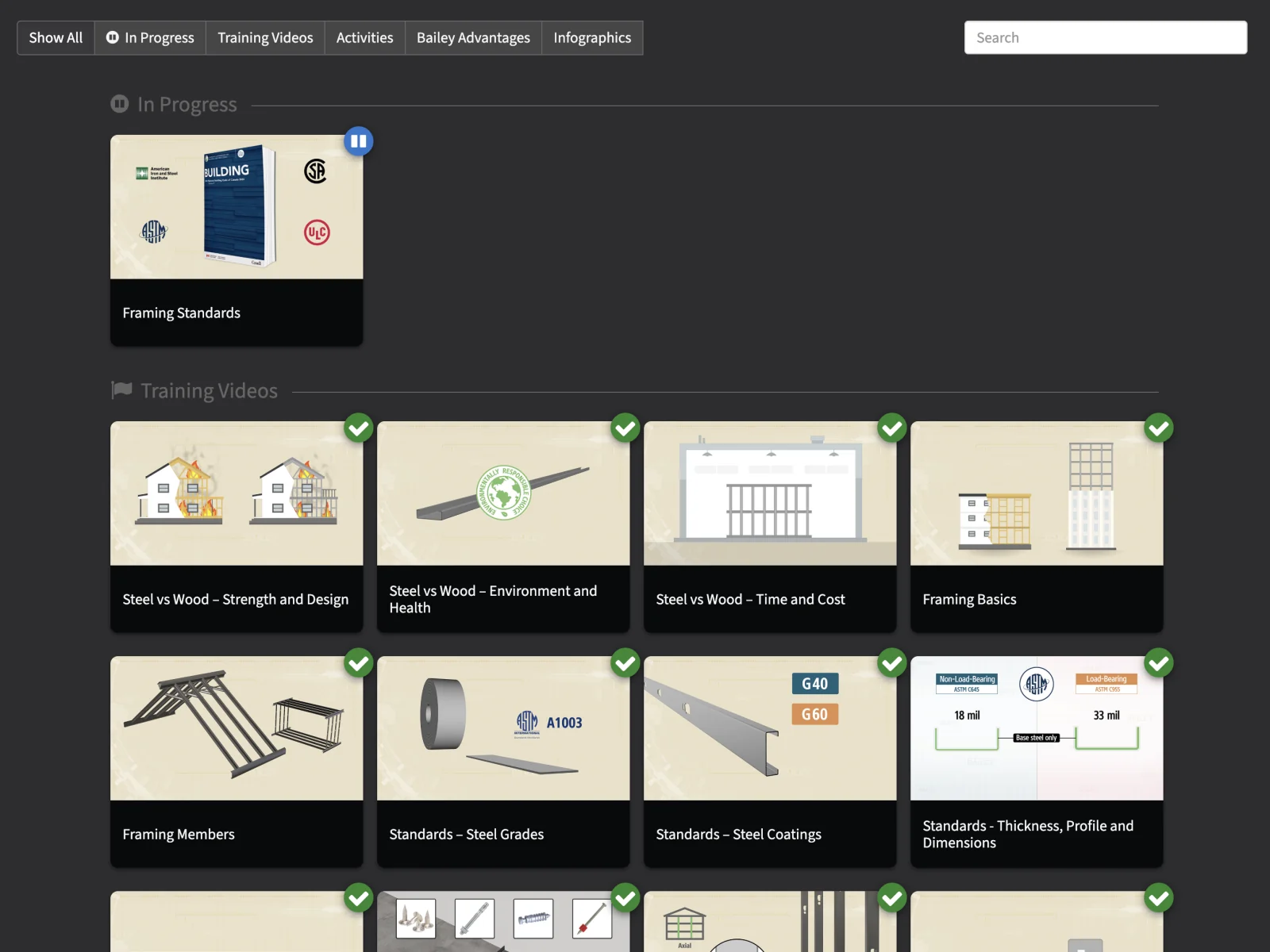
One platform, many ways to learn
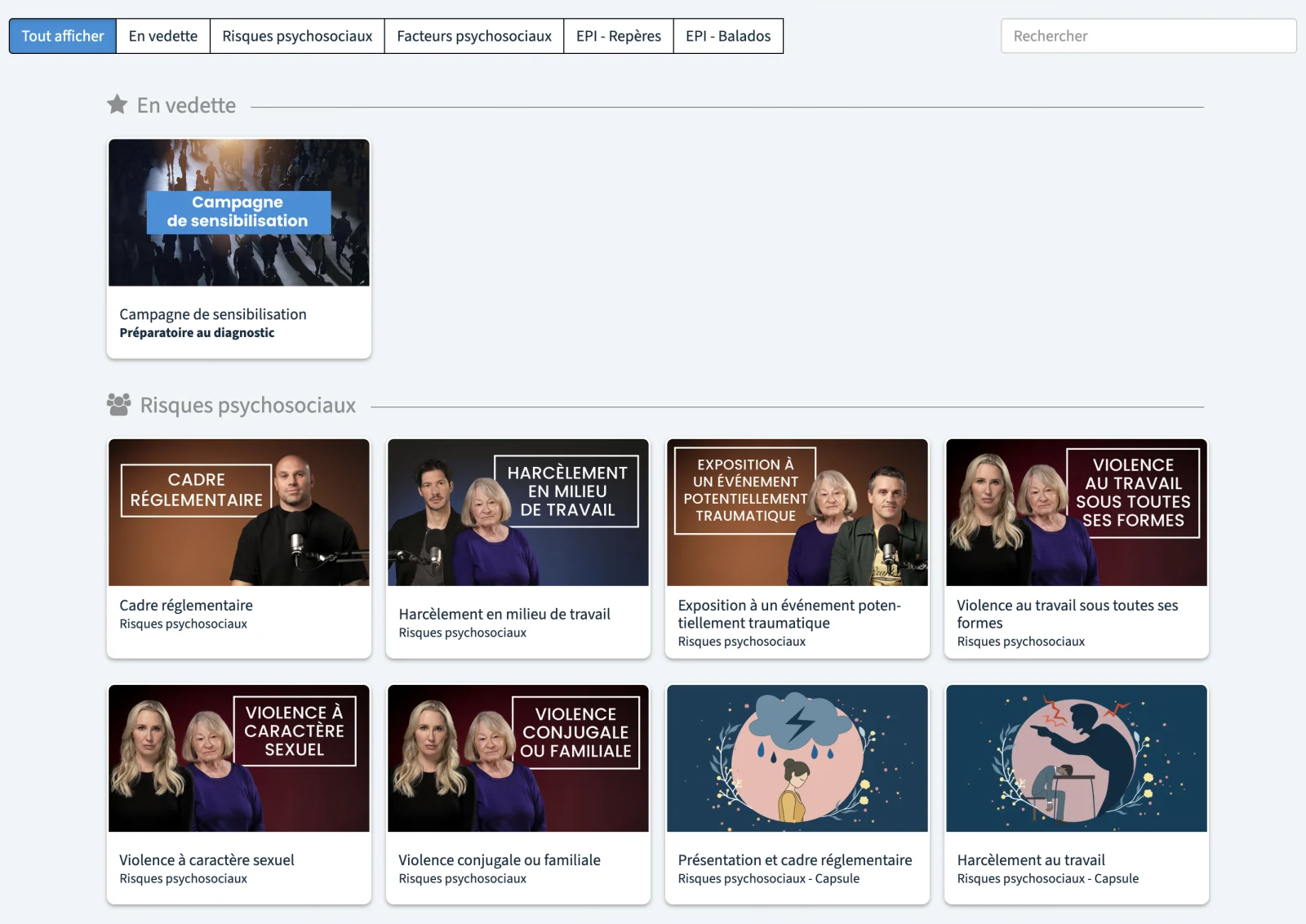
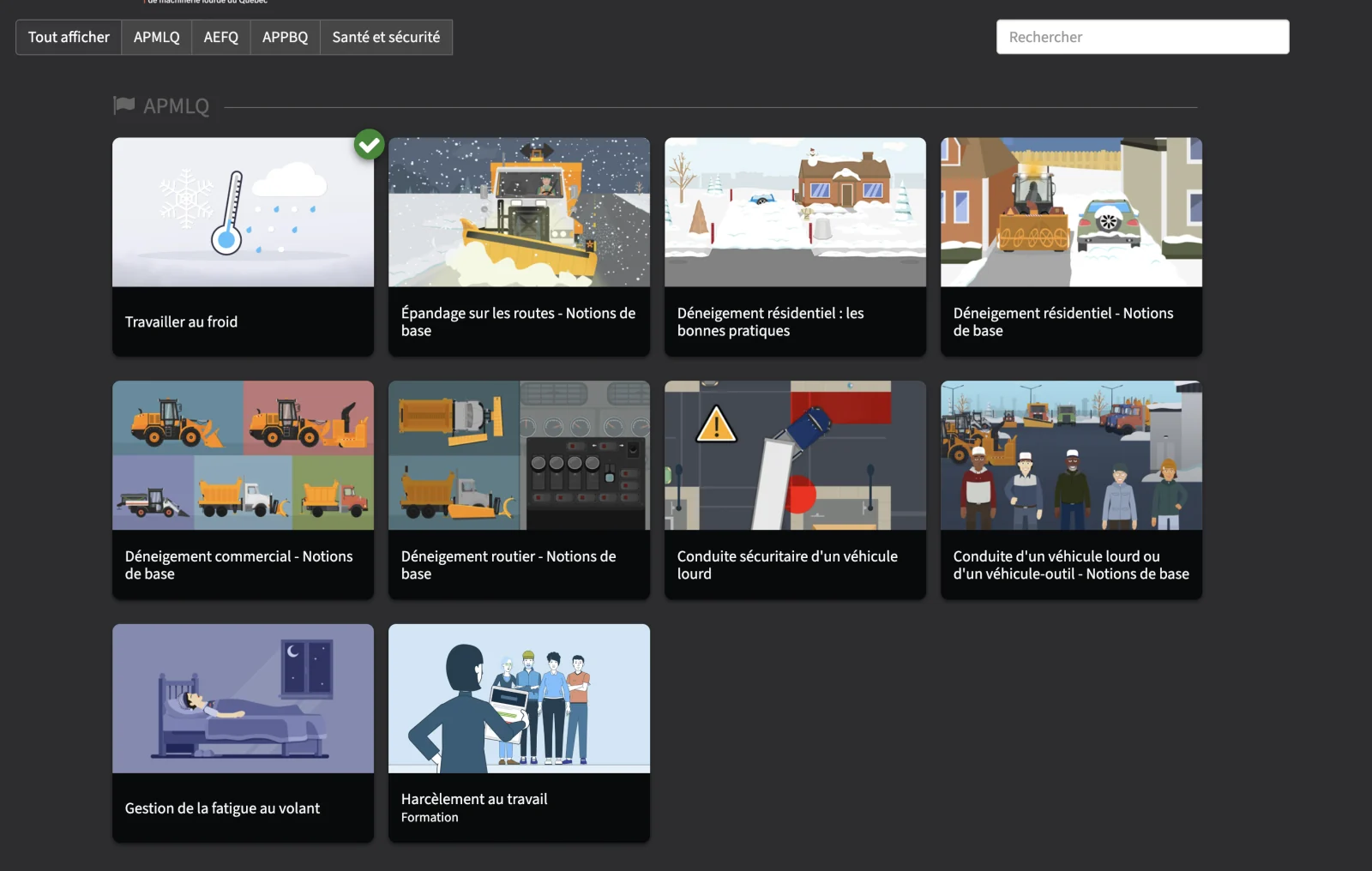
Bring Panache courses and your own content together in a library organized for your teams. Learners can browse by category or search, and easily see what they have started or completed.
Organize the library with categories, groups and tags for the audiences you need to reach.
Search, in-progress courses and priorities help learners continue where they left off.
Deliver short videos, interactive courses and training made for your organization.
For learners
Each course can show its purpose, covered topics, duration and progress before it begins. Learners launch training from their library and can return to content already in progress.
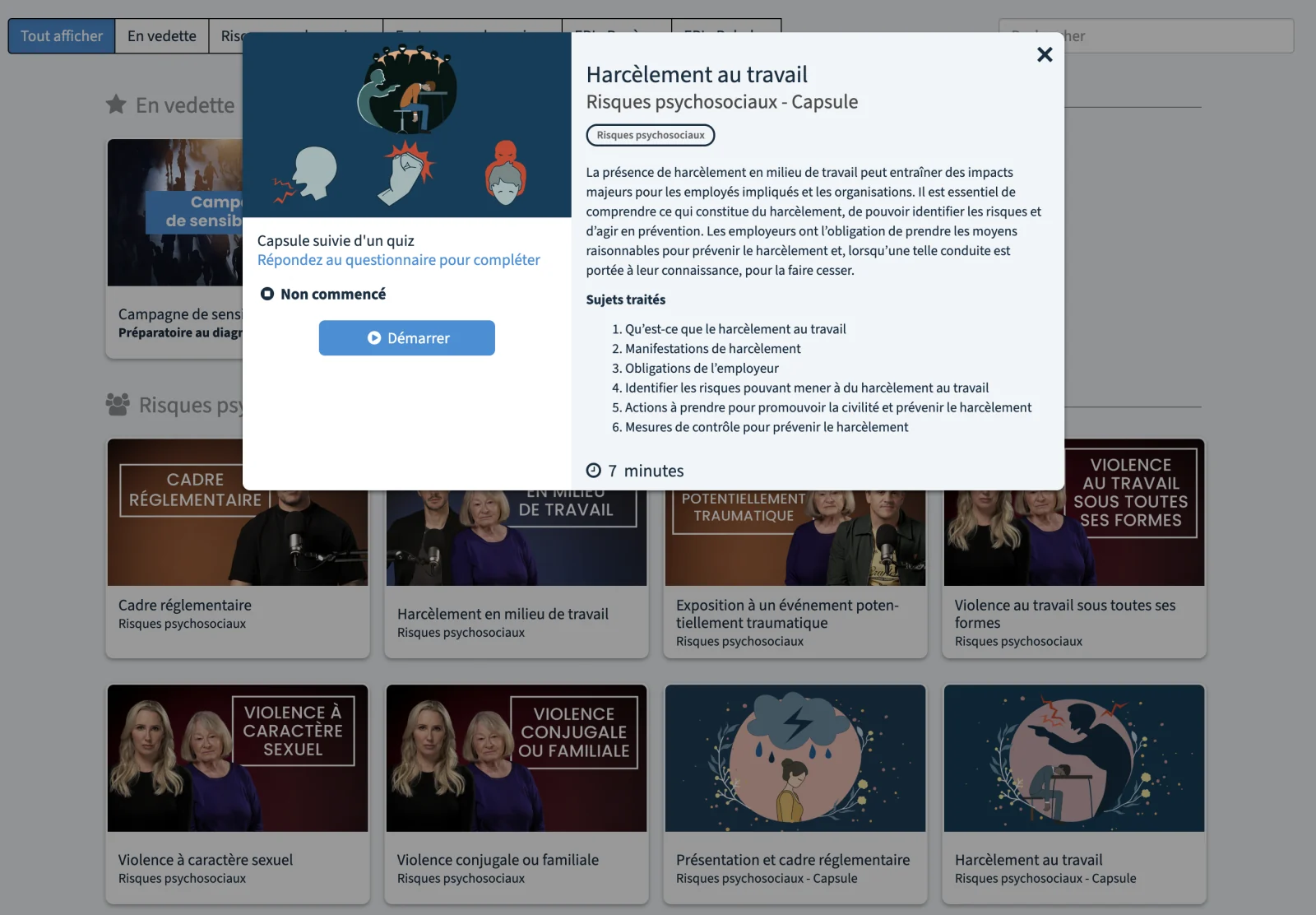
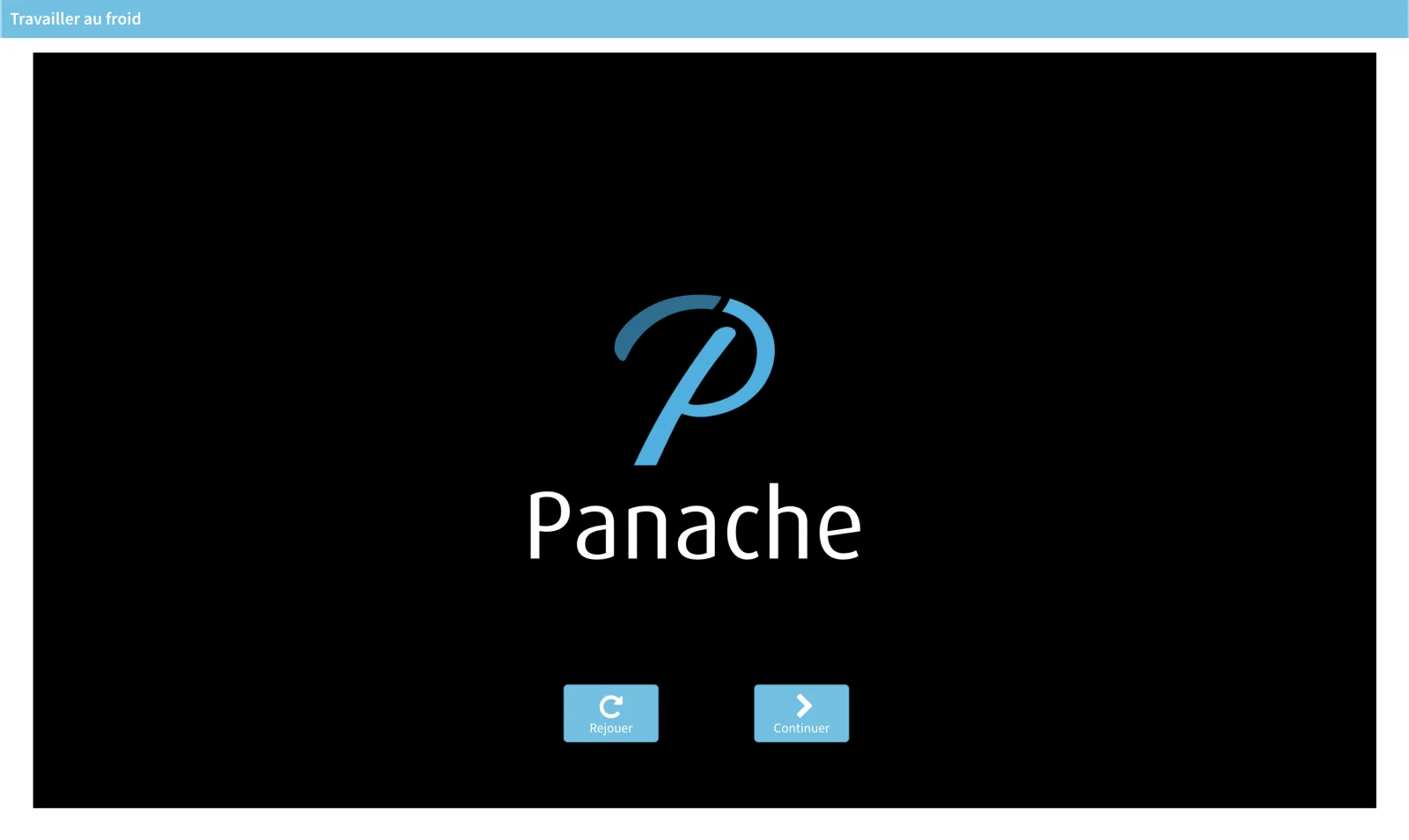
The player delivers interactive courses and lets learners resume or replay a course, depending on the content. Their activity remains connected to learning progress in Mosaik.
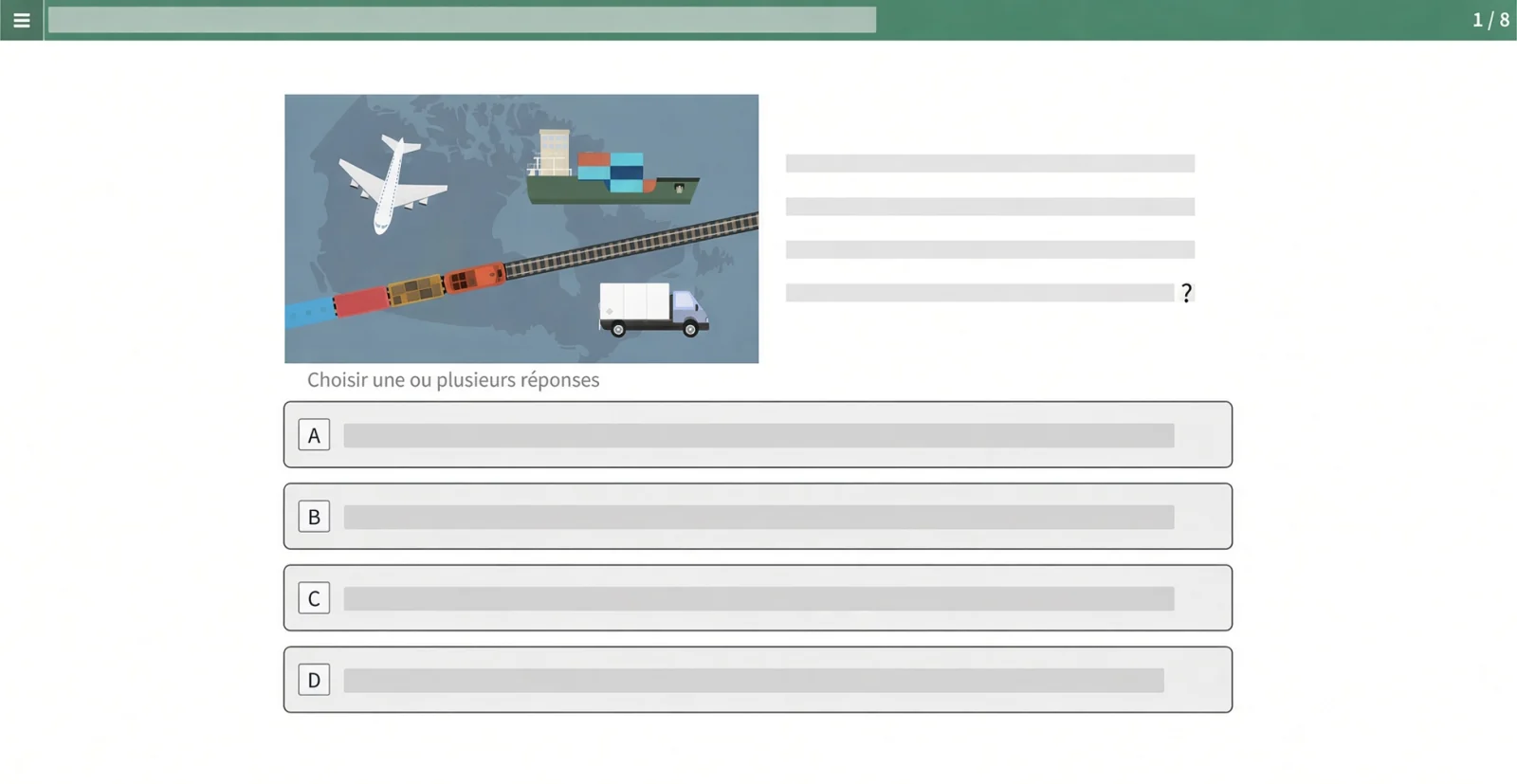
The platform supports interactive learning and quizzes. Depending on how a course is configured, it tracks progress, results and completion; a certificate can be issued for eligible courses.
For managers
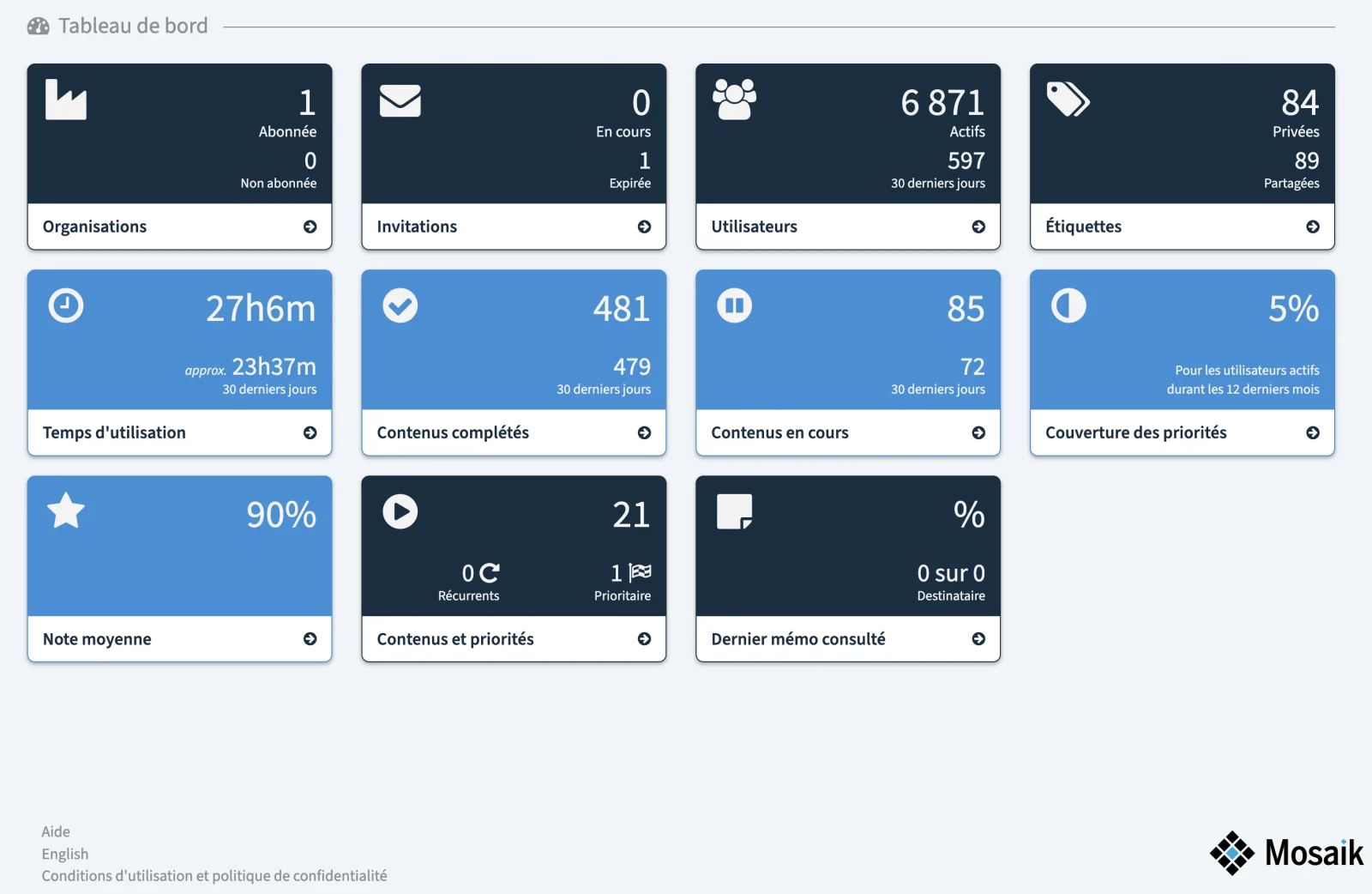
The dashboard brings together useful measures: active users, courses started and completed, learning time and results. Reports can filter sessions by course, date or group and provide access to available certificates.
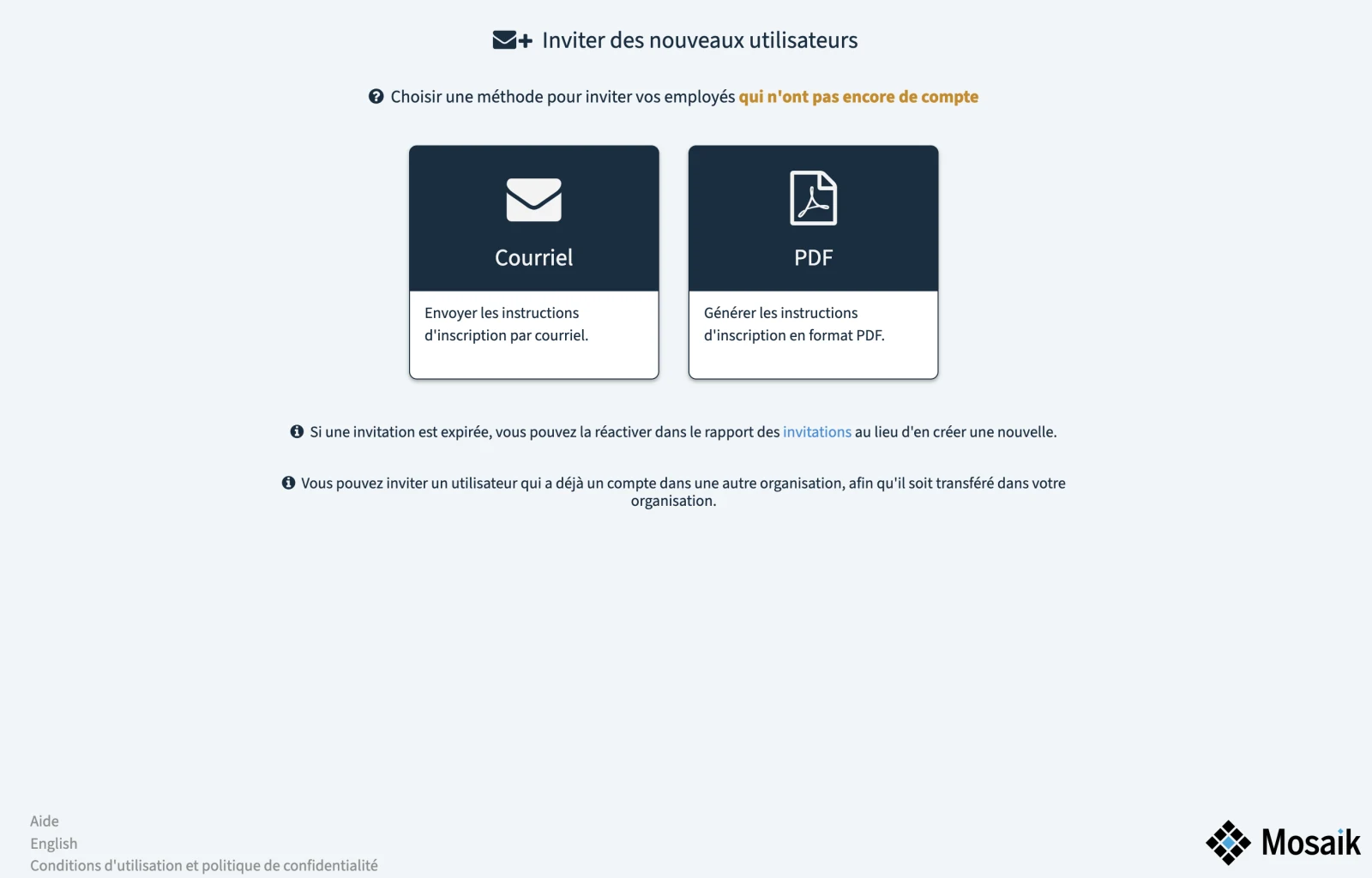
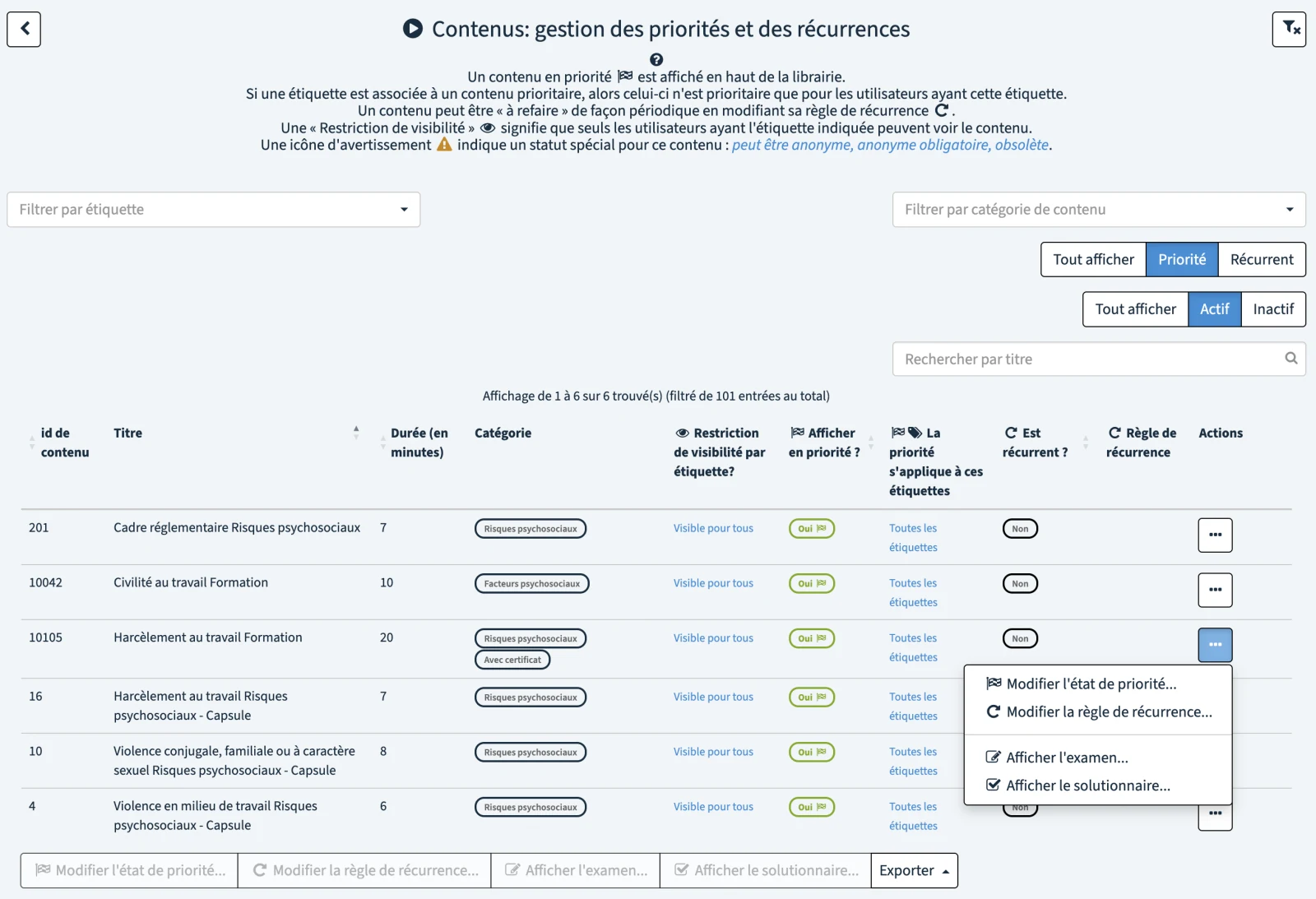
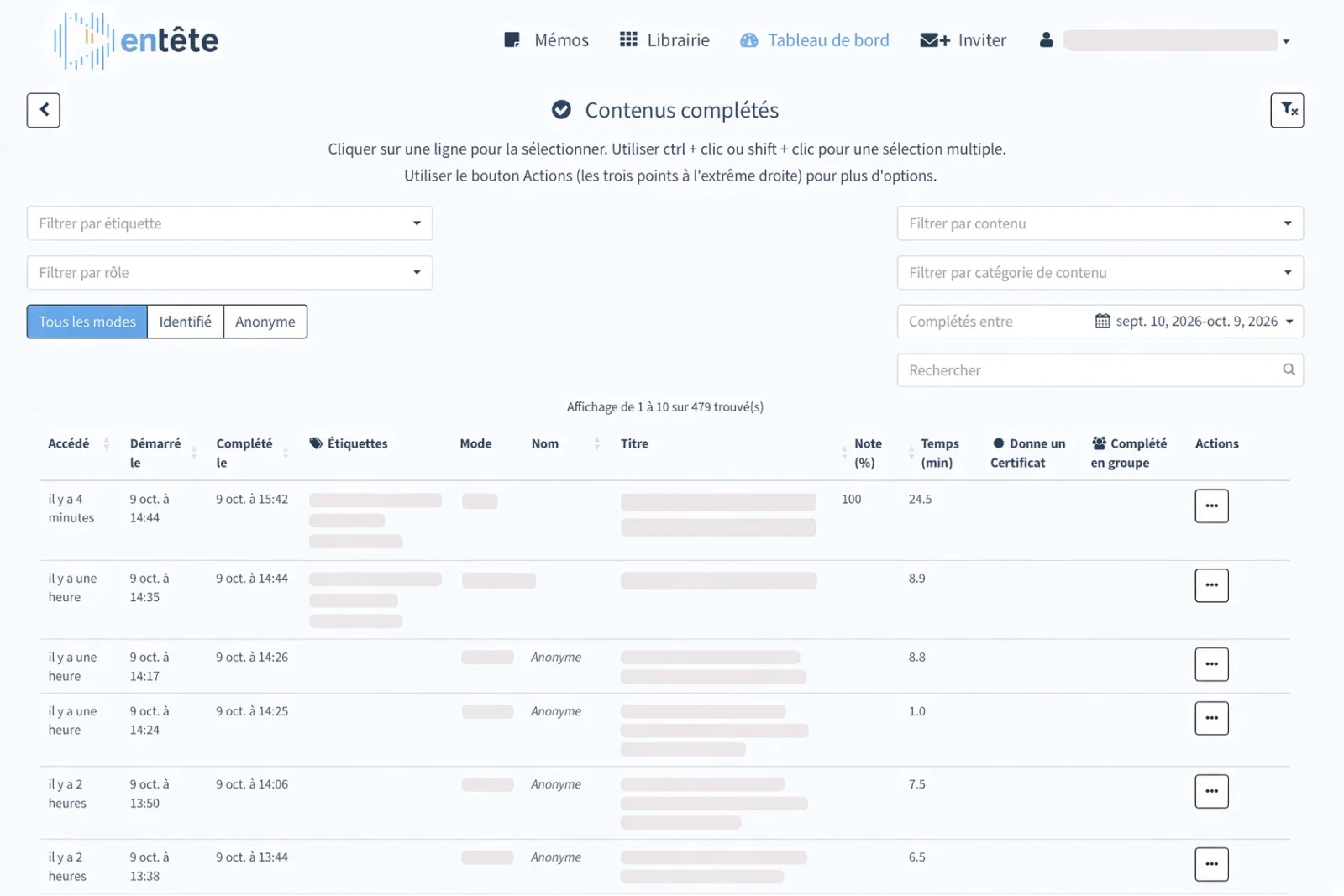
Your content, our platform
Already have training modules? Mosaik accepts SCORM 1.2 and SCORM 2004 content and can collect the progress, completion and result data supplied by a module. We can also help prepare and deliver new content.
See Mosaik in action
Tell us about your content, audiences and reporting needs. We’ll show you how Mosaik can work for your organization.
Request demo access